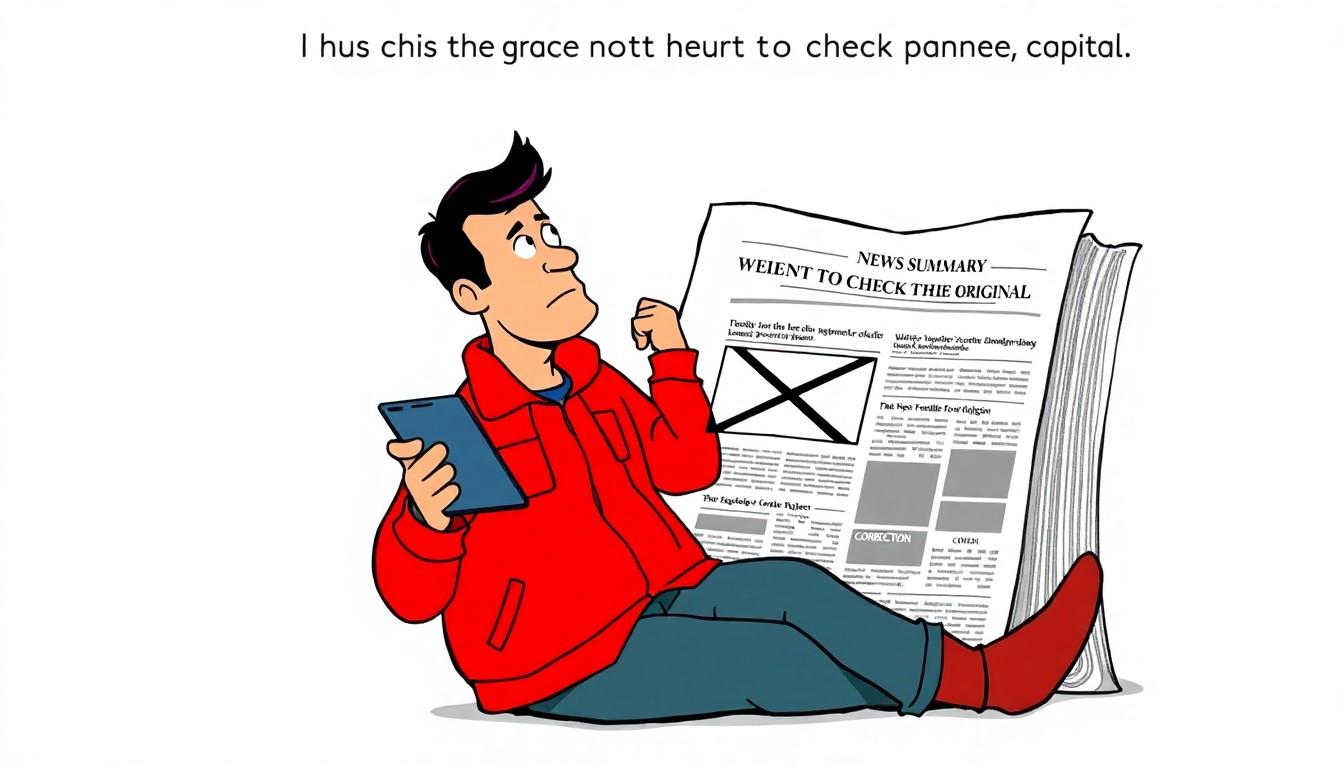
A notification summary can turn a crowded chat or a long email thread into a few lines, saving time when the original messages are easy to check. But the same shortcut carries greater risks when it condenses a news alert or an important message: a brief, fluent version may be mistaken for the full account. Apple, Google and Samsung offer related AI features, though they do not all summarise the same kinds of content.
On iPhone, Apple Intelligence can condense long or stacked notifications, including those from busy group chats. Apple’s guide also distinguishes this from Reduce Interruptions Focus, which filters alerts according to whether they appear to need prompt attention. Users can turn summaries off or choose which notifications are included, although availability depends on the device, language and region. Google’s Pixel summaries, by contrast, are designed for messages from services such as Google Messages and WhatsApp. They are marked with a sparkle icon, and users can open the original conversation to check the full exchange. Google lists Spanish among the supported languages, but says summaries may not appear for short messages, mixed-language conversations or notifications received while the phone is in use.
Gmail’s Gemini feature works on email threads rather than general phone notifications. Google says its AI Overview can appear at the top of a lengthy conversation, drawing together key points and replies. Access depends on supported languages and on Gmail’s Smart features settings. Turning those settings off also disables other tools, including AI-assisted writing and proofreading. Samsung’s Now Brief is different again: it provides a personalised daily overview that can include items such as schedule reminders and news headlines. Samsung says supported features and settings vary by device and software version, and offers controls for choosing whether Galaxy AI data is processed on the device alone or also in the cloud.
The risks of compressing news became clear after an Apple Intelligence alert attributed a false claim to BBC News about Luigi Mangione, the man accused of killing UnitedHealthcare chief executive Brian Thompson. Associated Press reported that the summary incorrectly said Mangione had shot himself, prompting complaints from media organisations including the BBC. In January 2025, Apple disabled summaries for news and entertainment apps in test software, according to TechCrunch. The report said Apple also made summaries easier to identify by displaying them in italics, added a way to turn them off for individual apps from the Lock Screen, and included a warning that the beta feature could contain errors.
Those changes addressed how summaries were presented and controlled, but the underlying difficulty remains: condensing several messages means deciding what matters and restating it. In doing so, a system can blur who did what or combine details in a way that changes the meaning. A summary is therefore best treated as a prompt to inspect the original, not as a substitute for it when accuracy matters. The distinction is especially important for news, banking and health information, where a misleading line could have consequences beyond wasted time.
Users can manage these features in their device or app settings. Apple’s guide explains how to adjust or switch off notification summaries, while Google’s Pixel instructions allow users to disable summaries or exclude particular apps. In Gmail, disabling the relevant Smart features settings stops AI conversation summaries, but also removes other connected tools. Samsung’s Now Brief settings let users choose which kinds of information appear; it should not be confused with a general notification-summarising feature.
For casual conversations, a summary may be a useful way to catch up, provided the full exchange remains easy to reach. For consequential information, the safer choice is to exclude the relevant app and read the original message. The Apple incident showed how a short automated alert can misrepresent a report while appearing under a trusted publisher’s name. Clear labels and off-switches help users recognise and manage the feature, but checking the source remains essential.
Source Reference Map
Inspired by headline at: [1]
Sources by paragraph:
- Paragraph 1: [2], [3], [4], [5]
- Paragraph 2: [2], [3]
- Paragraph 3: [4], [5]
- Paragraph 4: [6], [7]
- Paragraph 5: [6], [7]
- Paragraph 6: [2], [3], [4], [5]
- Paragraph 7: [6], [7]
Source: Noah Wire Services